
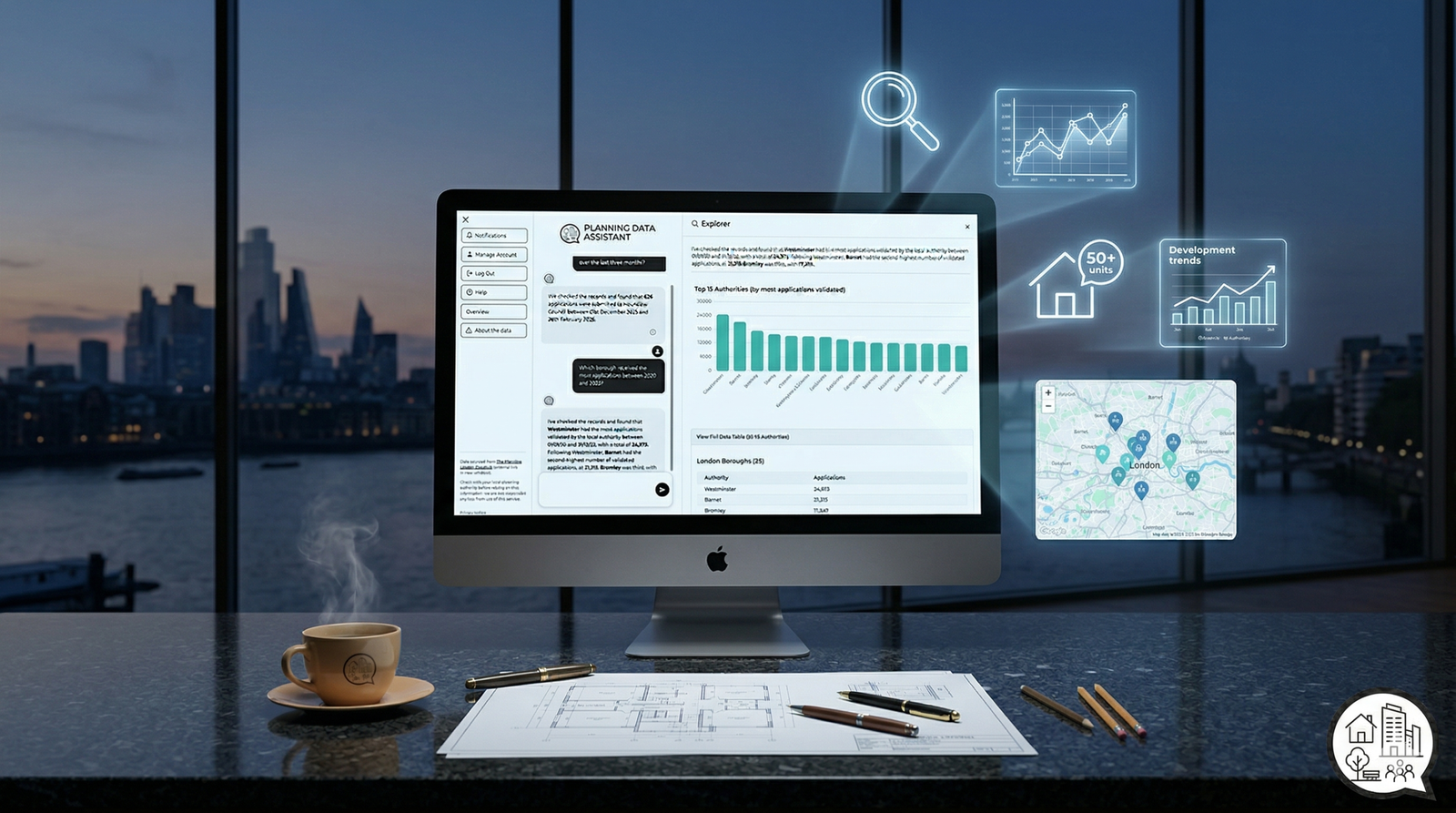
Planning Data Assistant (PDA)
Instant insights, summaries, and trends for London planning applications—powered by live data from the Planning London Datahub.
Navigating thousands of planning entries across 33 London authorities can be a challenge. The Planning Data Assistant (PDA) acts as your conversational interface to the city’s development pipeline. From tracking residential unit counts to monitoring weekly validated applications, the PDA turns complex data into clear answers.
Borough Summaries
Compare application volumes across authorities like Westminster, Camden, and Southwark in real-time.
Find Applications
Search for applications by ID, number of units, residential density or affordable housing percentage.
Weekly News
Get a summary of everything validated or decided in the last seven days for a local authority.
## What can I ask the Planning Data Assistant?
Borough Insights
How many planning applications were validated in Camden last month?
Trends
Show me monthly trend of applications validated across London last year.
Weekly News
Show me latest weekly news update for Lambeth Council
Specific lookups
Find planning application PA/23/02375/A1 in Tower Hamlets
## Frequently Asked Questions
What data does the PDA use?
The assistant queries the official Planning London Datahub via a secure proxy.
Is the Planning Data Assistant free?
Yes, the PDA is currently a free tool provided by QuixotifAI.
How to use the Planning Data Assistant
You can access the example questions from the left hand panel to get started (Help > Example Questions). You can access the full User Guide either by typing ‘Help’ in the chat or from the left hand panel Help > User Guide.
How can I submit ideas for improvement / feedback
The Planning Data Assistant is currently in Beta. Your feedback directly shapes our development roadmap.
If the assistant didn’t understand a borough or provided an unexpected result, please let us know.
Want to see data from specific years or new types of charts? We want to hear your ideas.
You can type “Feedback” directly into the chatbot at any time to launch the formal feedback module.